
Create random groups of three in real-time in front of your students. Easily accommodate absences and automatically save groups to your spreadsheet.
Overview
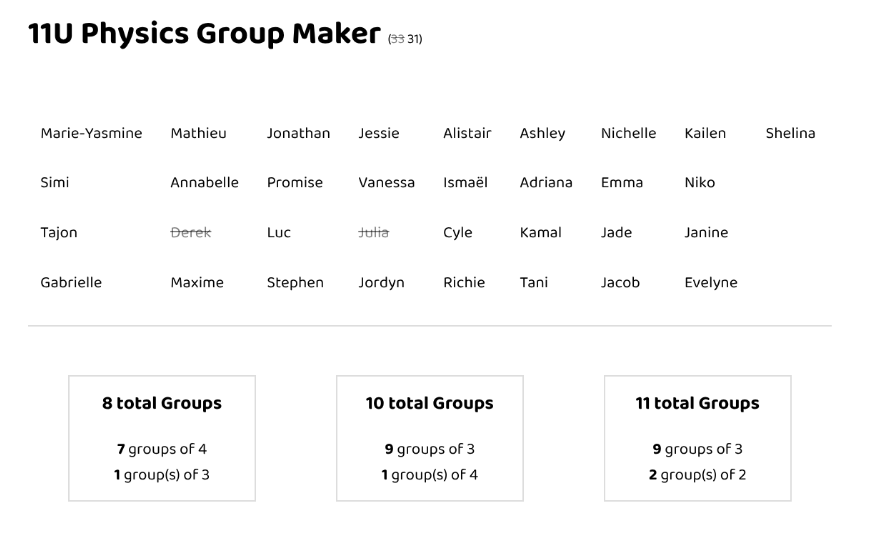
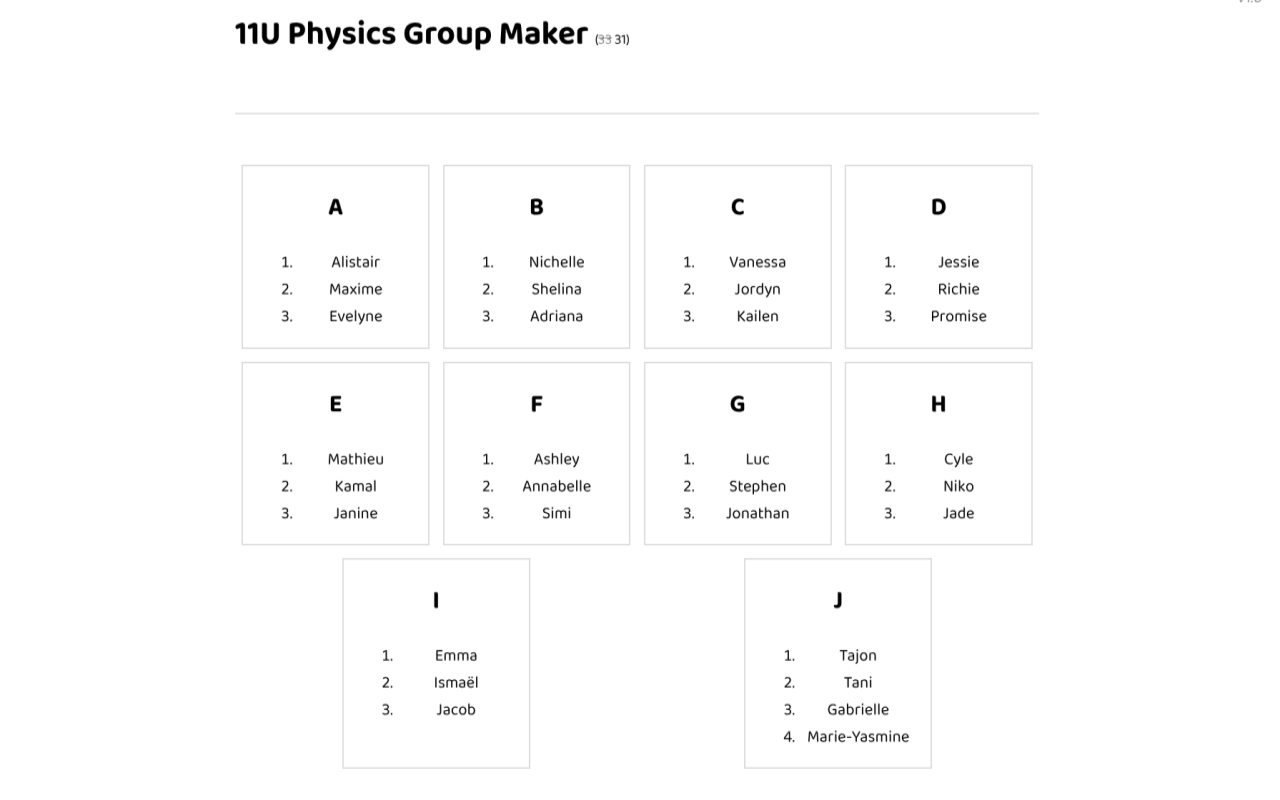
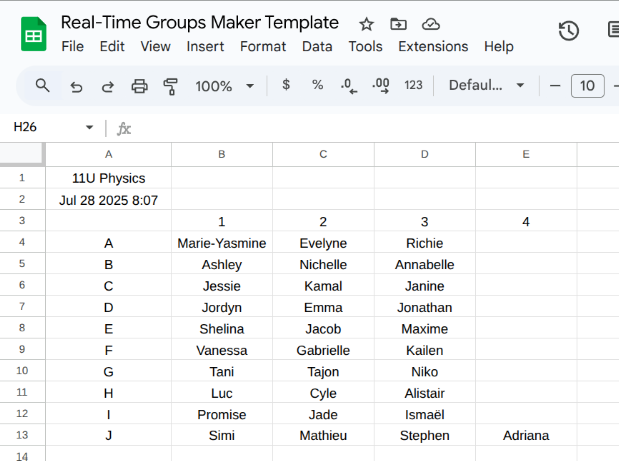
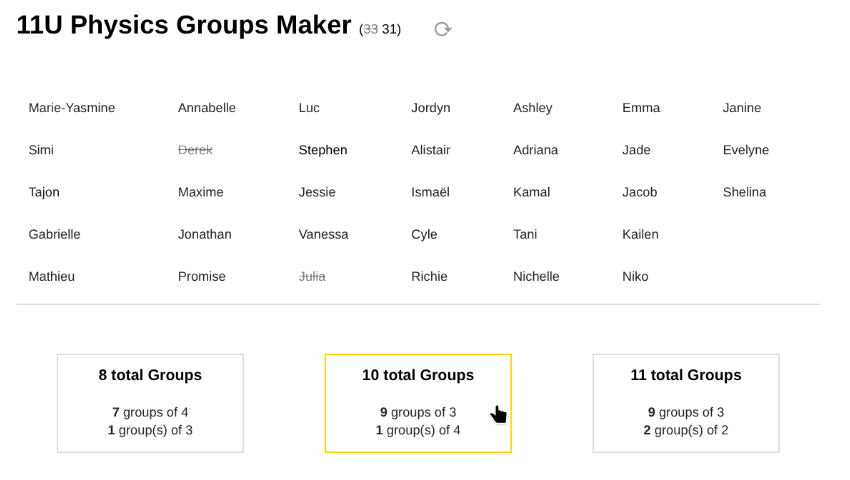
Enter a class name, a class list, and create your random groups of three in front of your students in real-time. Groups are automatically timestamped and saved to your spreadsheet. All data resides and remains in your google account.
To use:
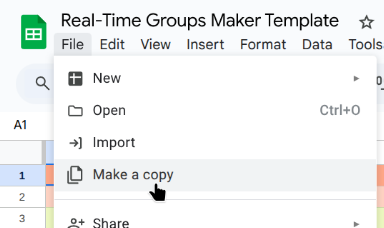
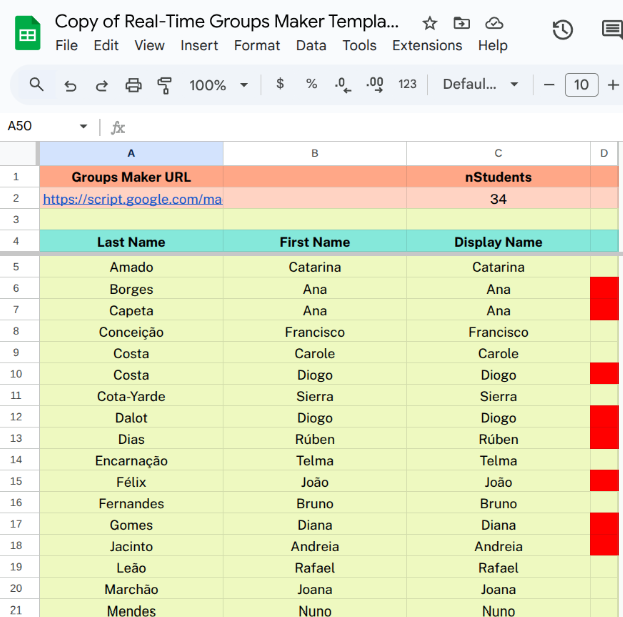
- Make a copy of this spreadsheet template.
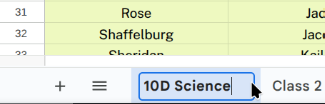
- Rename class tab: Replace '11U Physics' with your own class name.
- Replace default student names with your own student names (and modify for repeats).
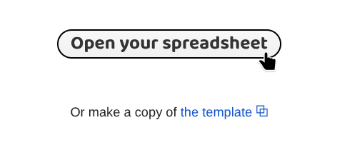
- Open the web app url and select your spreadsheet.
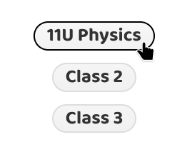
- Choose your class.
- Accommodate absences and make your groups.
- Check your sheet for saved groups.
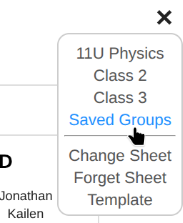
Menu Options
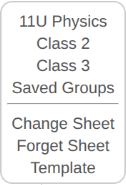
- [ Your Classes ] : Each sheet in your spreadsheet file is a class - add another sheet to add another class.
- Saved Groups: Link to your spreadsheet.
- Change Sheet: Choose a different spreadsheet from your Google Drive.
- Forget Sheet: When a spreadsheet is opened, its ID is saved to 'Properties Service' in your Google Account. This enables your spreadsheet to be opened automatically next time. 'Forget Sheet' removes your spreadsheet's ID from your 'Properties Service'.
- Template: Link to the template.
Licence
Real-time Groups Maker | version 1.0
Copyright (C) 2025 Felipe Almeida | felipealmeida.ca
[ source code ]
This program is free software: you can redistribute it and/or modify it under the terms of the GNU General Public License as published by the Free Software Foundation, either version 3 of the License, or (at your option) any later version.
This program is distributed in the hope that it will be useful, but WITHOUT ANY WARRANTY; without even the implied warranty of MERCHANTABILITY or FITNESS FOR A PARTICULAR PURPOSE.
See the GNU General Public License for more details: https://www.gnu.org/licenses/gpl-3.0.html.
